Buy Planning Software or Vibe Code It in Excel?
AI makes it surprisingly easy to build planning tools in Excel. The harder question is whether your planning team wants to become responsible for maintaining them.
3 min read
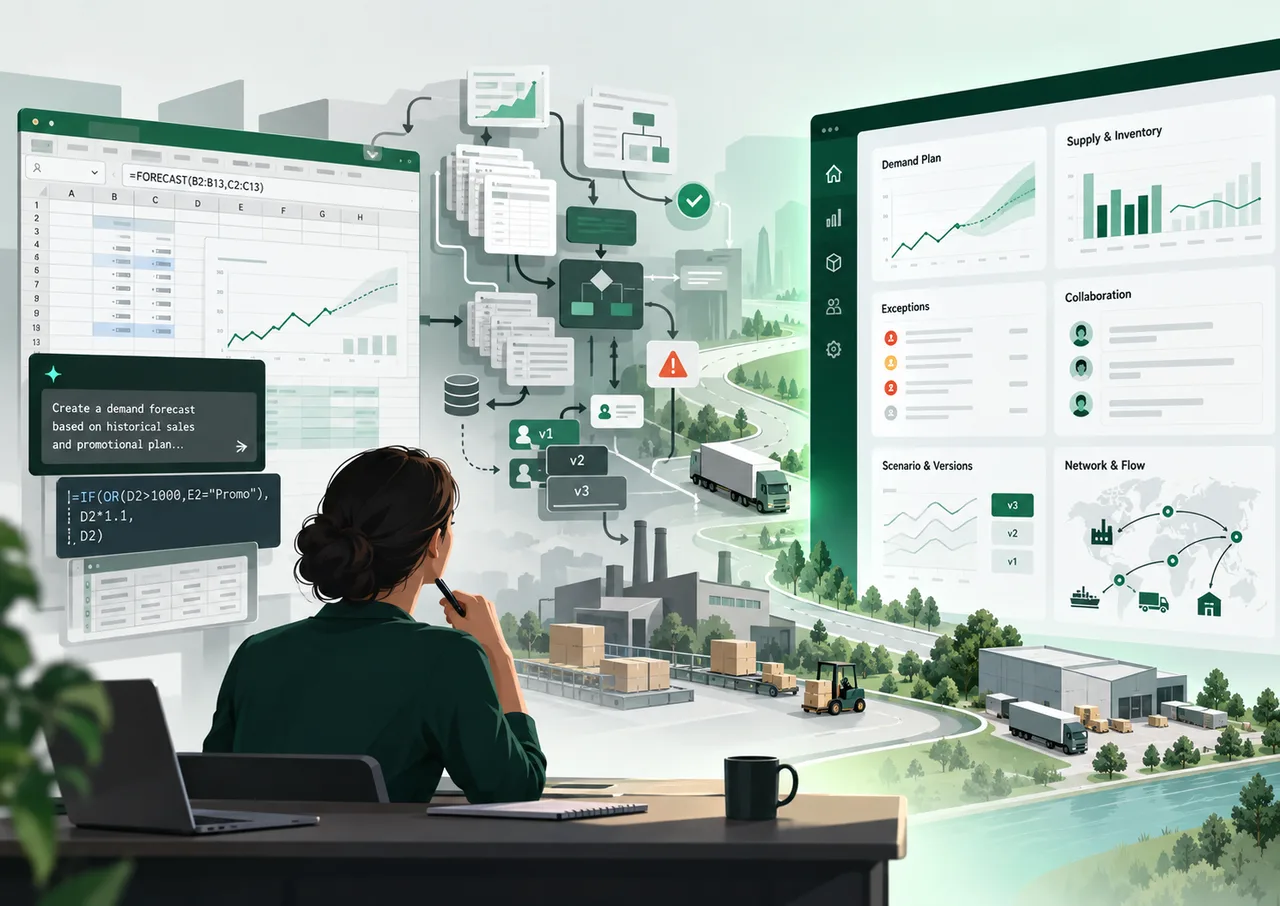
Five years ago, building your own demand planning application would have sounded unrealistic for most planning teams. Today, a capable planner can open Excel, bring in historical demand and use AI to help write formulas or Python code. Microsoft now supports Python directly in Excel, putting considerably more analytical capability within reach of planners. The distance between an idea and a working prototype has become remarkably short.
So why buy planning software at all? It is a fair question, particularly when an internal solution can be created quickly and adapted to exactly what the team needs. The answer becomes clearer once that first working model starts becoming part of the planning process.
You can actually build quite a lot
Imagine a planner who wants to improve the statistical forecast. Historical sales are loaded into Excel, AI helps write the code, a few forecasting approaches are tested and the output looks promising. A dashboard follows, then some exception flags and perhaps an input field where sales can adjust the forecast.
For a small team or a specific use case, this may work perfectly well. It can also be an excellent way to experiment with a new process before making a larger technology decision.
The interesting part starts when colleagues begin to rely on it.
Then other people start using it
Sales wants to enter assumptions. Operations needs another level of aggregation. Management wants to compare this month's forecast with last month's version, while planners need to understand who changed a number and why. Someone asks whether the workbook can refresh automatically from the ERP instead of requiring another monthly export.
None of these requests sounds unreasonable on its own. Gradually, however, the original forecasting workbook starts acquiring data connections, user workflows, hierarchy logic, version management, permissions and business rules. A tool that started as a clever piece of analysis has become operational software.
That changes the economics of the decision. The comparison is no longer between an expensive software subscription and a free Excel workbook. The organization has chosen to build and maintain part of its own planning application.
Congratulations, you are now the software vendor
Once the business depends on that application, somebody has to own what happens next. Changes need to be tested, broken logic has to be fixed, new users need documentation and data connections need maintenance. As more people and processes depend on it, every change also carries more consequences.
AI can make many of those development tasks faster, but it does not remove them. For a manufacturing company, the question therefore becomes whether maintaining an internal planning application is where planners and analysts should spend their time.
Building a useful prototype can be valuable. Supporting an increasingly business-critical application is a different commitment.
Who upgrades the intelligence?
There is another part of ownership that is easier to overlook: the forecasting logic itself. A model that performs well today can remain embedded in a workbook for years simply because nobody has a reason to revisit it.
The M4 forecasting competition evaluated 61 forecasting methods across 100,000 time series. The results illustrate why forecasting is not simply a question of selecting one algorithm and assuming it will remain the right answer indefinitely. Different approaches perform differently depending on the data and forecasting situation.
For a planning organization, model selection should therefore remain something that is tested. Forecast performance can change as demand patterns evolve, more data becomes available or new methods mature.
A specialist planning-software vendor has a commercial reason to keep evaluating methods, improving the product and maintaining the underlying technology. A self-developed solution can do the same, but the responsibility sits with the company that built it. The apparent saving from building internally should therefore be weighed against the capabilities and improvements that still need to be developed later.
Know what you want to own
Vibe coding makes Excel a more powerful planning environment than it was before, which is a good development for planners. It makes prototypes faster, lowers the barrier to experimentation and can solve genuinely useful local problems.
The decision changes when several people depend on the solution every planning cycle, its output drives purchasing or production decisions, and expectations continue to grow. At Scyplan, we would rather see planning teams spend their effort on those decisions than on maintaining the technology underneath them.
Other relevant articles
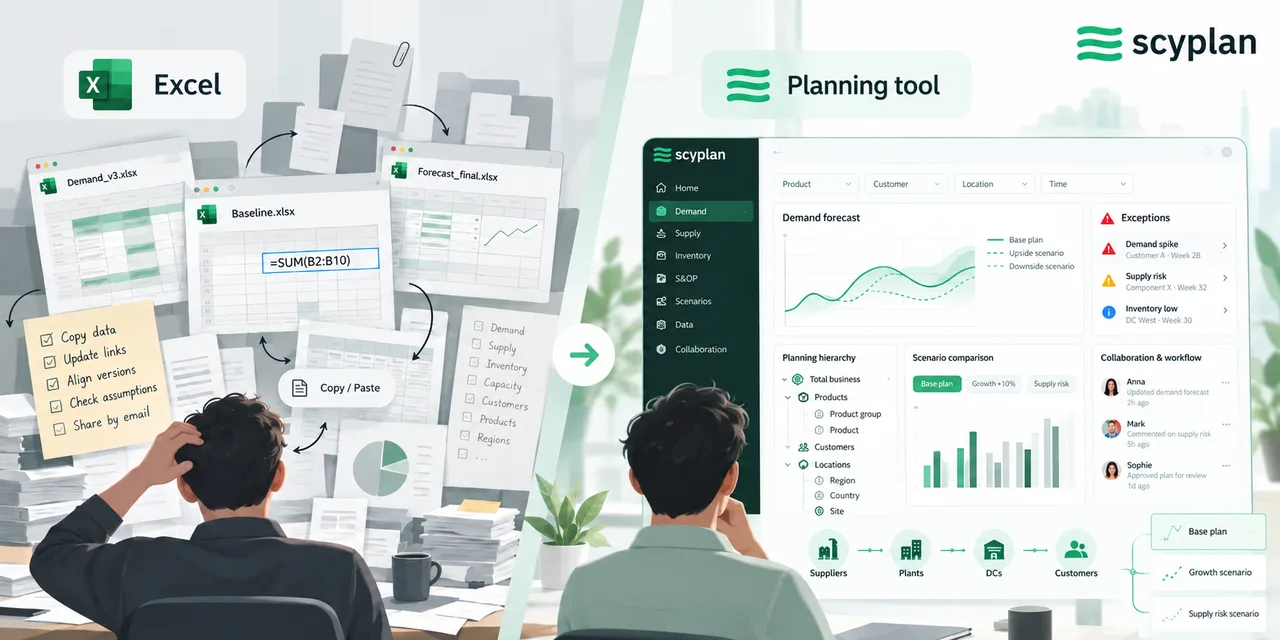
Excel vs Supply Chain Planning Software
Excel can support sophisticated supply chain planning. The real difference appears in everything around the forecast: data, workflow, collaboration, scenarios and control.
5 min read

The Worst Forecast Is Not Always Your Biggest Problem
The SKU with the worst forecast accuracy may not be your biggest planning problem. Better prioritization connects forecast exceptions with their business impact.
5 min read
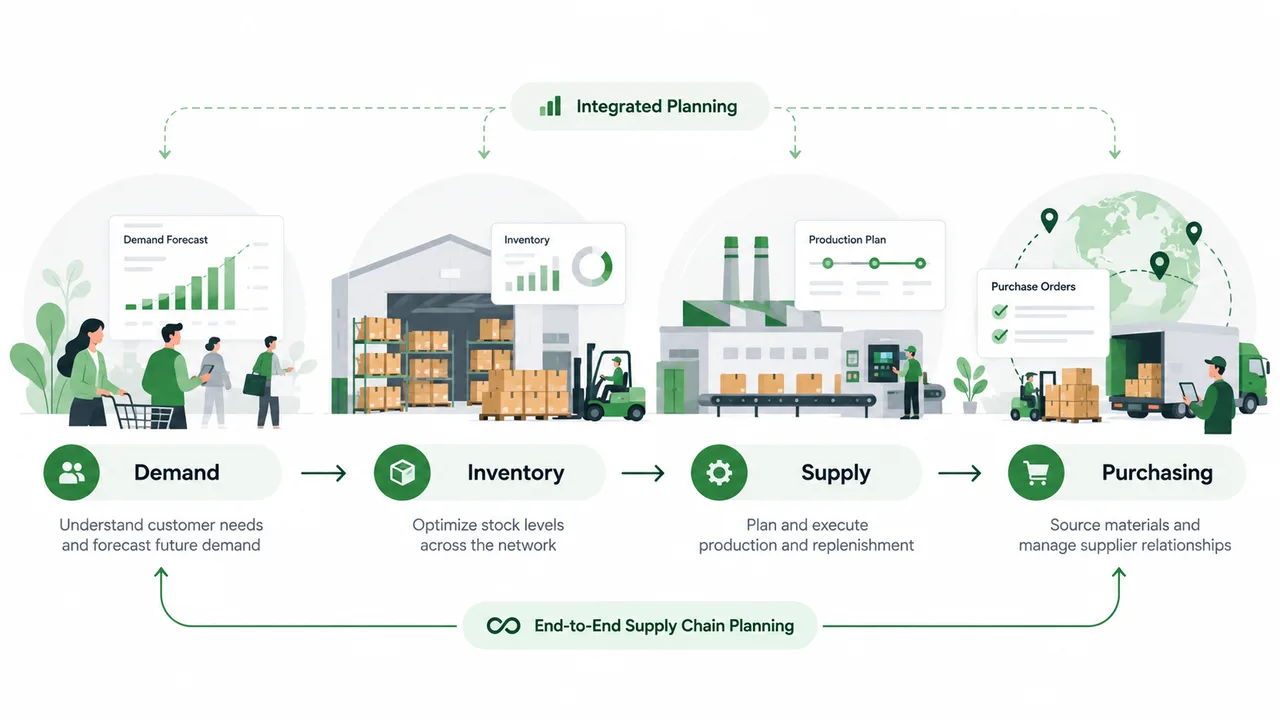
What Is an End-to-End Planner and How Do We Get There?
End-to-end planners connect decisions across demand, inventory, supply, production and procurement. Their rise also changes how we think about the traditional IBP cycle.
4 min read