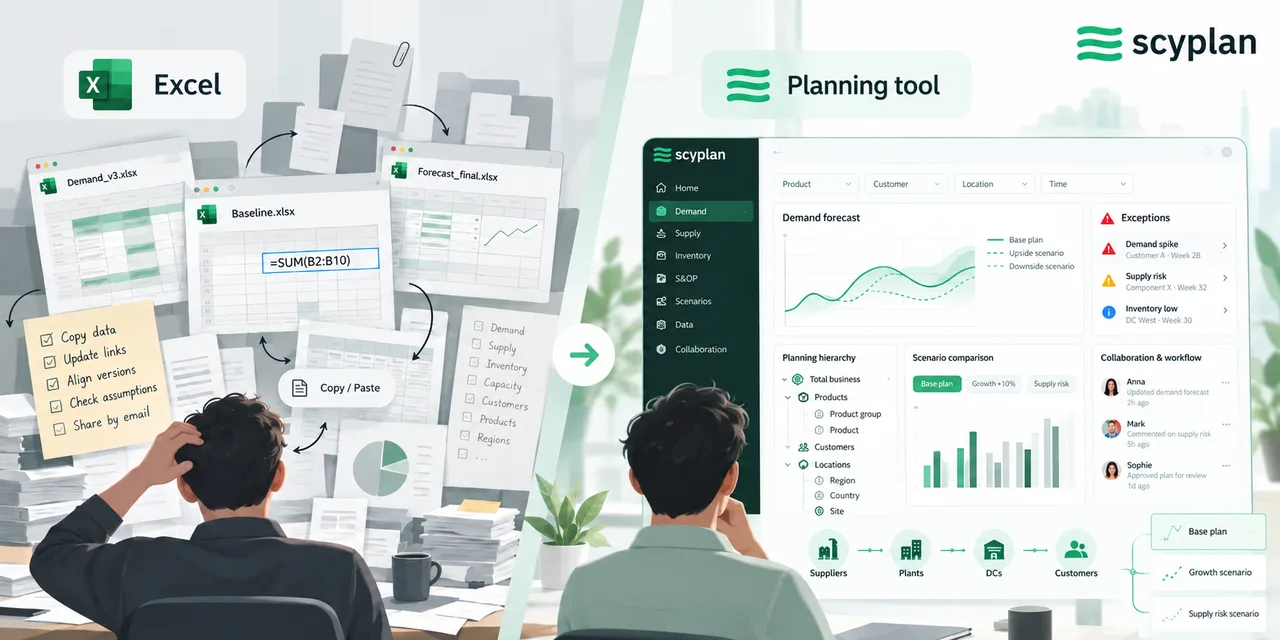
Excel vs Supply Chain Planning Software
Excel can support sophisticated supply chain planning. The real difference appears in everything around the forecast: data, workflow, collaboration, scenarios and control.
5 min read
A demand planner can build a surprisingly capable planning model in Excel. Historical demand can be loaded, forecasts calculated, assumptions adjusted, and future demand reviewed by product, customer, or month. For a smaller planning process, that flexibility is exactly why Excel works so well.
The difference becomes clearer as the planning process grows. More SKUs are added, several people contribute to the forecast, different versions start circulating, and the business wants to understand how forecasts have changed from one planning cycle to the next.
At that point, the question is no longer whether Excel can calculate a forecast. It usually can. The question is how much work is required to manage everything around it.
Excel gives you flexibility. Planning software gives the process structure
Excel starts with a blank sheet. The planning team decides how data is organized, which formulas are used, where assumptions are stored, and how the planning process should work. That makes it highly adaptable, particularly when requirements are still evolving.
The same flexibility means the team also owns the mechanics behind the process. Someone needs to understand the formulas, refresh the data, maintain relationships between sheets, protect the right cells, and make sure everyone is working from the correct version.
A dedicated planning tool moves more of that structure into the application. Products, customers, locations, time periods, forecasts, assumptions, and planning versions can be managed within a defined planning model. The team still decides how planning should work, but less time is spent maintaining the infrastructure around it.
Data management becomes part of the planning model
In Excel, planners often need to prepare information before they can start planning. ERP extracts may need to be combined with commercial assumptions, product mappings, customer information, and manually maintained files.
As the planning model grows, these relationships become harder to maintain. A change in the product hierarchy or the addition of a new location may affect formulas, lookup tables, pivot tables, and reporting logic throughout the workbook.
Planning software is designed around these relationships. A planner can work across products, customers, locations, and time while using the same underlying planning model. This becomes important because planning rarely happens at one level. Sales may discuss a category forecast while supply ultimately needs demand by SKU and location.
Collaboration becomes easier to control
Excel can work well when one or two planners manage the process. Complexity increases when sales, finance, operations, and supply chain all contribute information.
Teams often solve this with shared workbooks, input templates, or carefully controlled file versions. The process can work, but it creates additional questions. Which version contains the latest forecast? Who changed a number? Has the latest commercial assumption already been incorporated?
A planning system can maintain users, permissions, changes, and planning versions within the same environment. That makes it easier to distinguish between a baseline forecast, planner adjustments, and the final agreed plan. The planning conversation can focus more on why the number changed and less on finding the right file.
Forecasting is only part of the difference
Excel can calculate statistical forecasts, and sophisticated spreadsheet models can go considerably further than simple averages or trend formulas. Moving to planning software therefore should not be justified simply because a business wants a statistical forecast.
The bigger difference is how forecasting connects with the rest of the planning cycle. Dedicated software can generate forecasts across many planning combinations, organize exceptions, retain adjustments, and connect the output to the wider review process.
This becomes particularly valuable when planners manage thousands of product, customer, and location combinations. Reviewing every forecast manually becomes difficult, so the planning process needs to help direct attention toward the areas where judgment is most useful.
Assumptions, scenarios, and overrides leave a history
Planning decisions regularly require judgment. A customer expects additional volume, a promotion may increase demand, or a new product has limited history. In Excel, a planner can quickly adjust a number or create another scenario.
The challenge often appears later. The team needs to remember what was changed, why it changed, which version contained the adjustment, and whether the assumption should still be included during the next planning cycle.
Planning software can provide a more structured history of those changes. Baseline forecasts, overrides, assumptions, and scenarios can remain identifiable instead of becoming another number in a spreadsheet. This makes it easier to understand how the final plan was created.
Performance can be tracked across planning cycles
Forecast performance is difficult to understand from one planning cycle alone. Planning teams need to see how forecasts, overrides, and forecast error develop over time.
In Excel, doing this consistently often means saving snapshots of previous workbooks, maintaining additional reporting tabs, or creating a separate database of historical forecast versions. The process becomes particularly difficult when the team wants to compare what was forecast three months ago with what was forecast one month ago and what eventually happened.
A planning system can retain these forecast versions as part of the planning history. Once actual demand becomes available, teams can compare the original statistical forecast, subsequent planner adjustments, and final agreed forecast with the outcome. Over time, this helps planners identify persistent bias, understand where forecast performance is improving, and evaluate whether manual overrides are adding useful information.
This cycle history is easy to underestimate when evaluating planning software. It becomes increasingly valuable once the organization wants to improve the planning process itself instead of simply producing the next forecast.
When does Excel actually become the constraint?
There is no universal number of SKUs, planners, or business units at which Excel stops working. Two companies of the same size can have very different planning requirements.
A more useful signal is the amount of effort required to keep the planning process functioning. If planners increasingly spend time refreshing files, reconciling versions, maintaining formulas, preserving historical forecasts, or tracing changes, the spreadsheet itself has become part of the planning workload.
Excel can still remain useful for analysis and ad hoc work. The case for dedicated planning software becomes stronger when the organization needs a repeatable process around the forecast: structured data, controlled collaboration, planning history, performance measurement, and a clear record of how decisions evolved over time.
That is ultimately the real difference. The forecast calculation may only be one part of planning. The larger challenge is managing the process around it consistently, cycle after cycle.
Other relevant articles
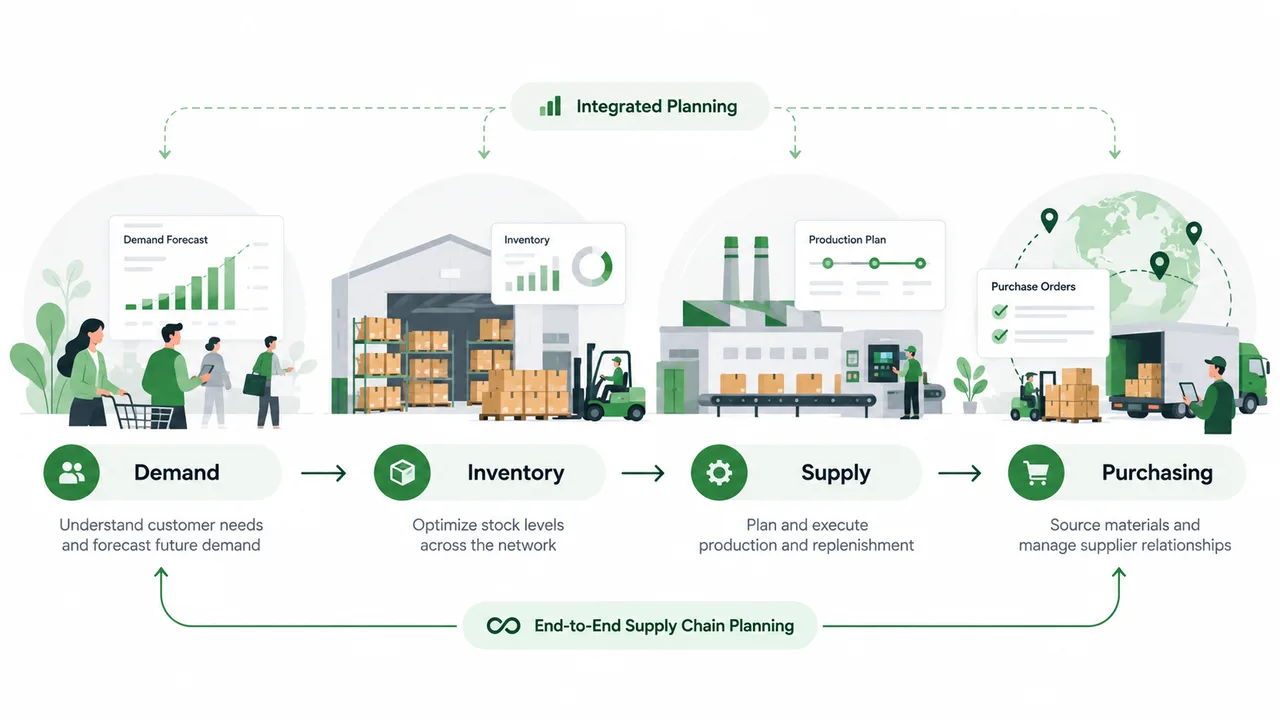
What Is an End-to-End Planner and How Do We Get There?
End-to-end planners connect decisions across demand, inventory, supply, production and procurement. Their rise also changes how we think about the traditional IBP cycle.
4 min read

The Worst Forecast Is Not Always Your Biggest Problem
The SKU with the worst forecast accuracy may not be your biggest planning problem. Better prioritization connects forecast exceptions with their business impact.
5 min read
How the Supply Chain Planner Role Is Changing
The planner’s role is shifting from processing information toward managing exceptions, trade-offs, and decisions. What skills and KPIs matter as planning technology improves?
4 min read